
ThreatConnect
Threat Graph Enhancements


Role
Lead Designer on Project
Cross-Functional Partners
Frontend Engineers, Product Management, & QA Teams
Core Focus
Graph Visualization, State Management Logic, Memory/Performance Constraints, & Bulk Actions
Overview & Challenge
Project Summary
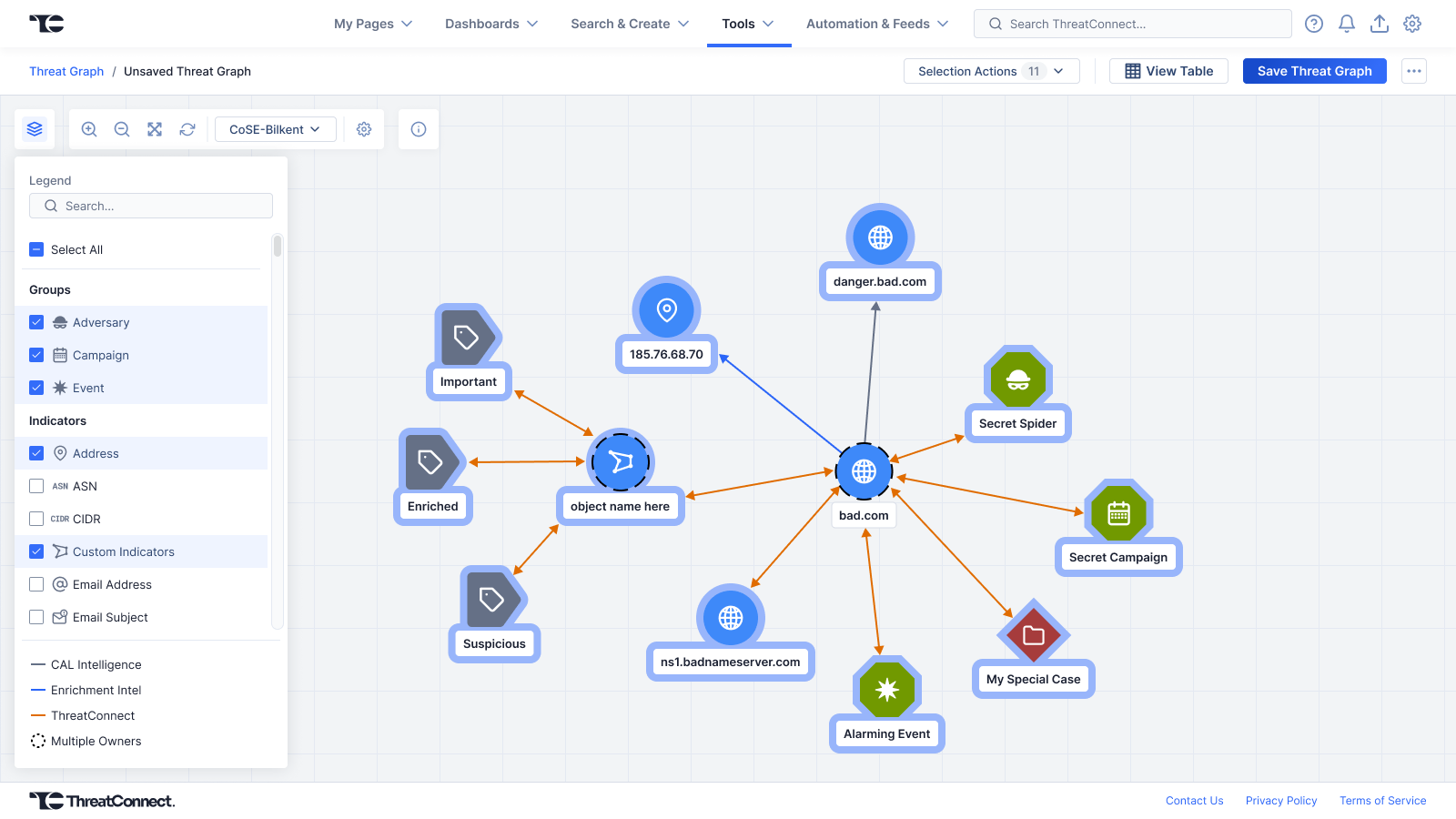
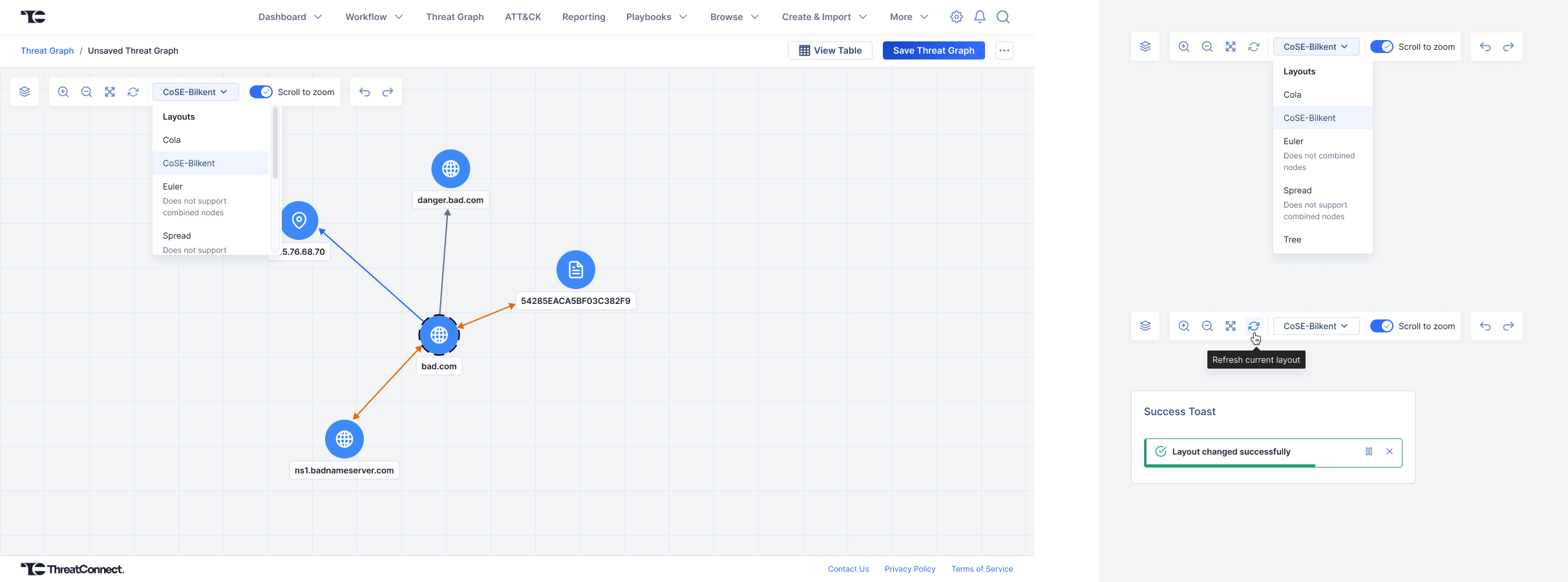
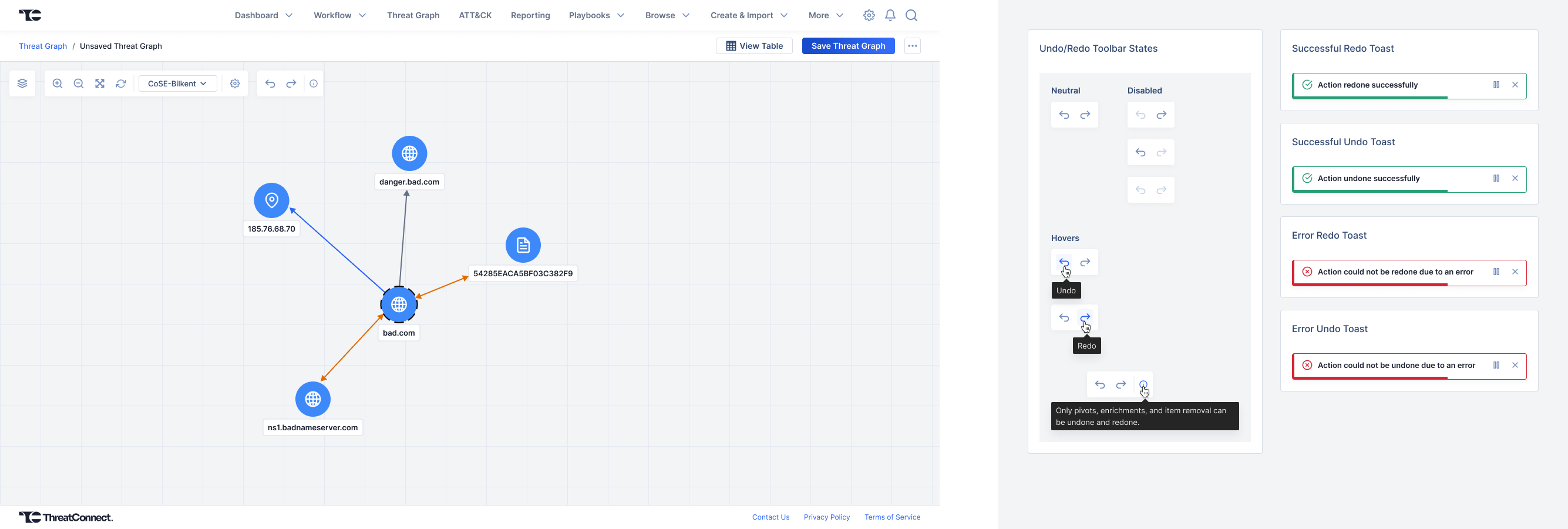
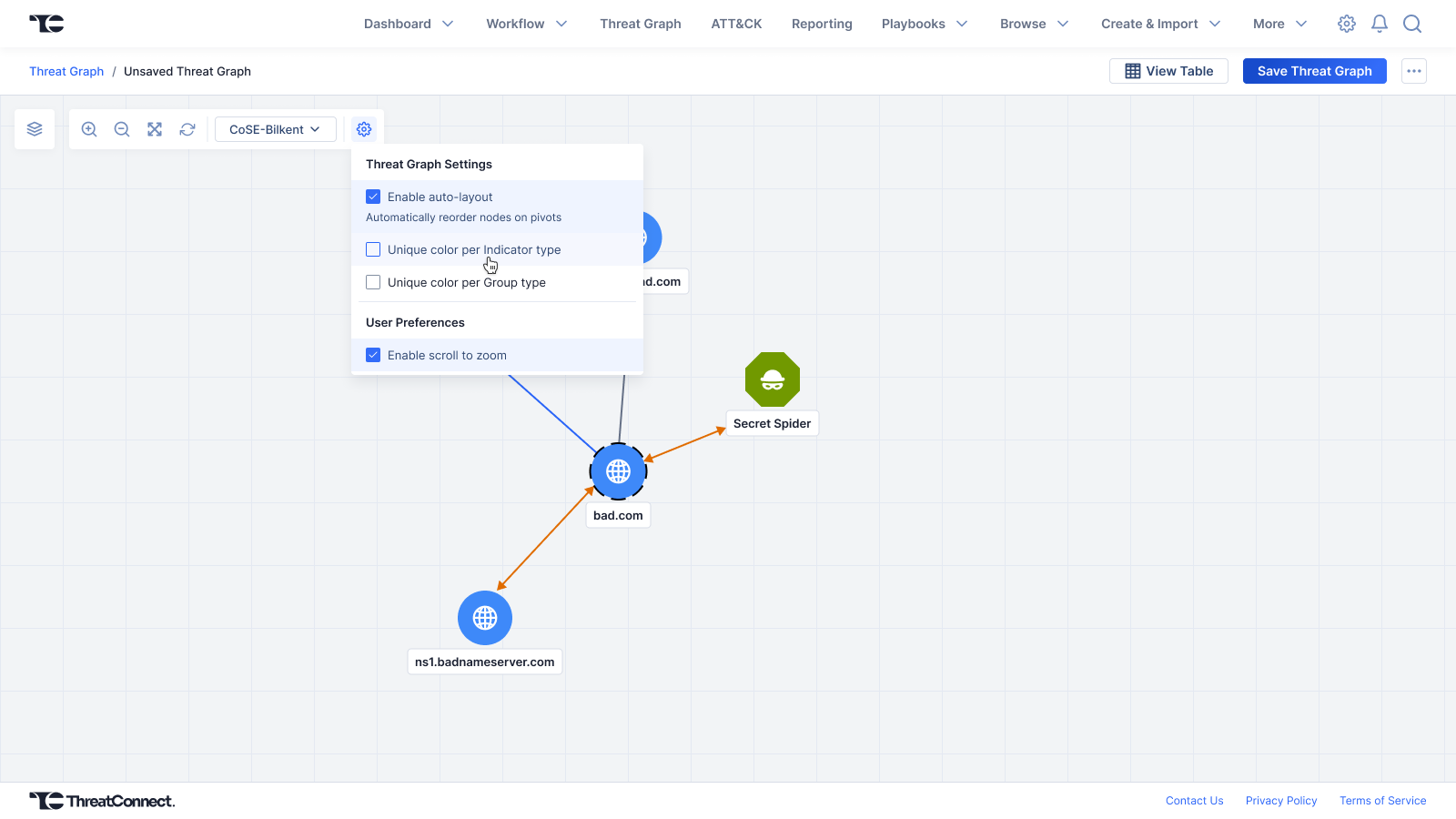
Threat Graph is a widely utilized, high-fidelity visualization feature within the ThreatConnect Threat Intelligence Platform (TIP) that empowers analysts to map out cyber threat actors & their interconnected associations. To maximize investigative momentum, I led the design of an extensive enhancement initiative to fully align the interactive graph environment with our design system while implementing a robust set of highly requested user workflows. I designed detailed behavioral specifications for non-destructive state management (Undo/Redo), node layout options, multi-node selection, & high-efficiency bulk pivots.
The Challenge
Prior to these enhancements, analysts struggled with recovering from unintended actions made in Threat Graph. If a user made an unintended node pivot or connection, the application offered no way to reverse the action, forcing them to either entirely discard and rebuild their visual investigation from scratch, or forego saving their graph and revisiting the previously saved state, potentially losing work progress. By designing a predictable state-management framework, we sought to give analysts the confidence to explore complex Threat Graphs without fear of ruining their active canvas.
Process & Execution
Performance-Driven Logic
Developers ran sandbox tests within Cytoscape.js, the open-source graph library powering the feature. To ensure technical feasibility on a memory-intensive node canvas, we established a strict maximum threshold for cached user history, preserving browser performance while delivering reliable Undo/Redo capabilities.
Granular Specifications
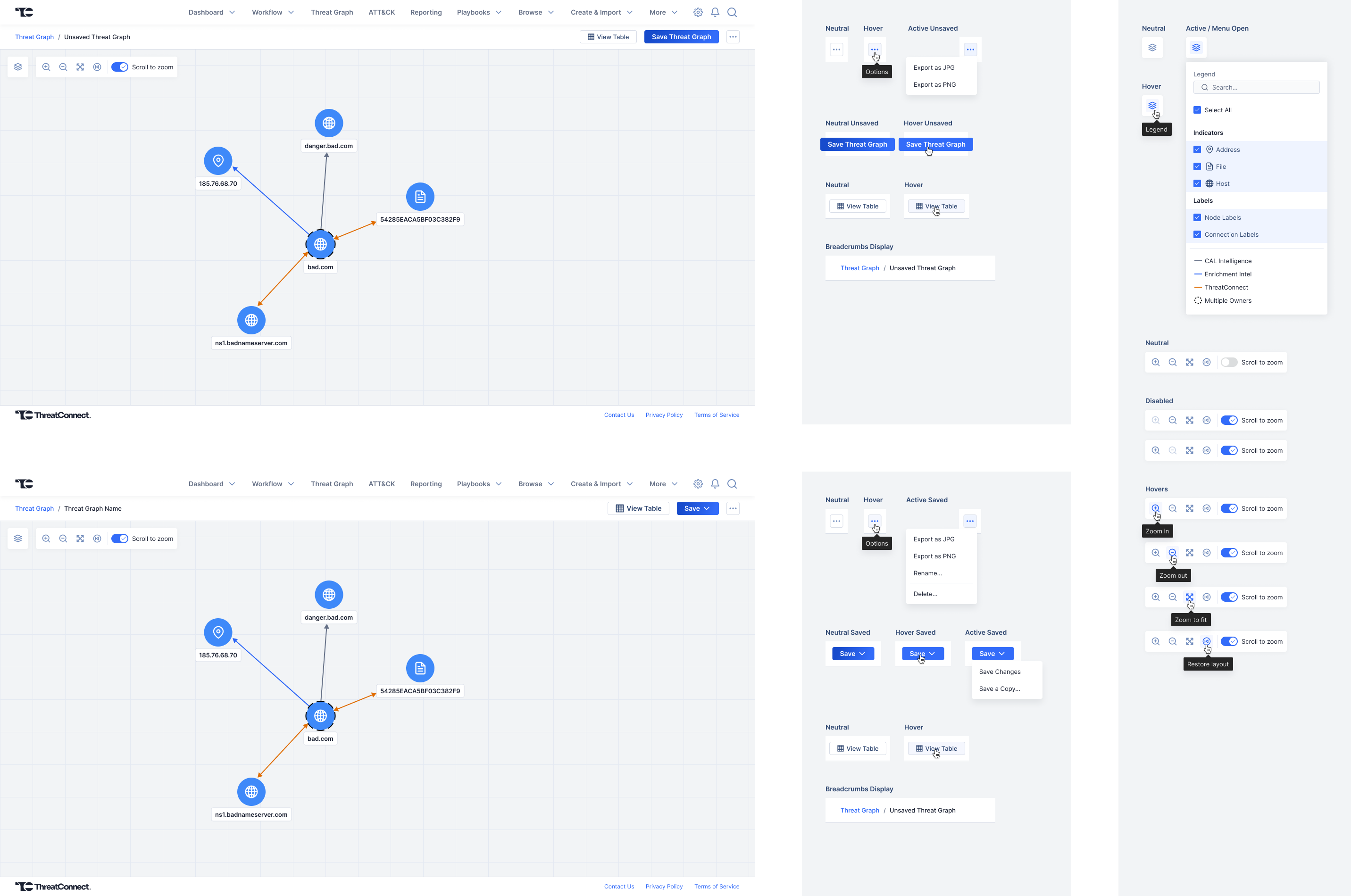
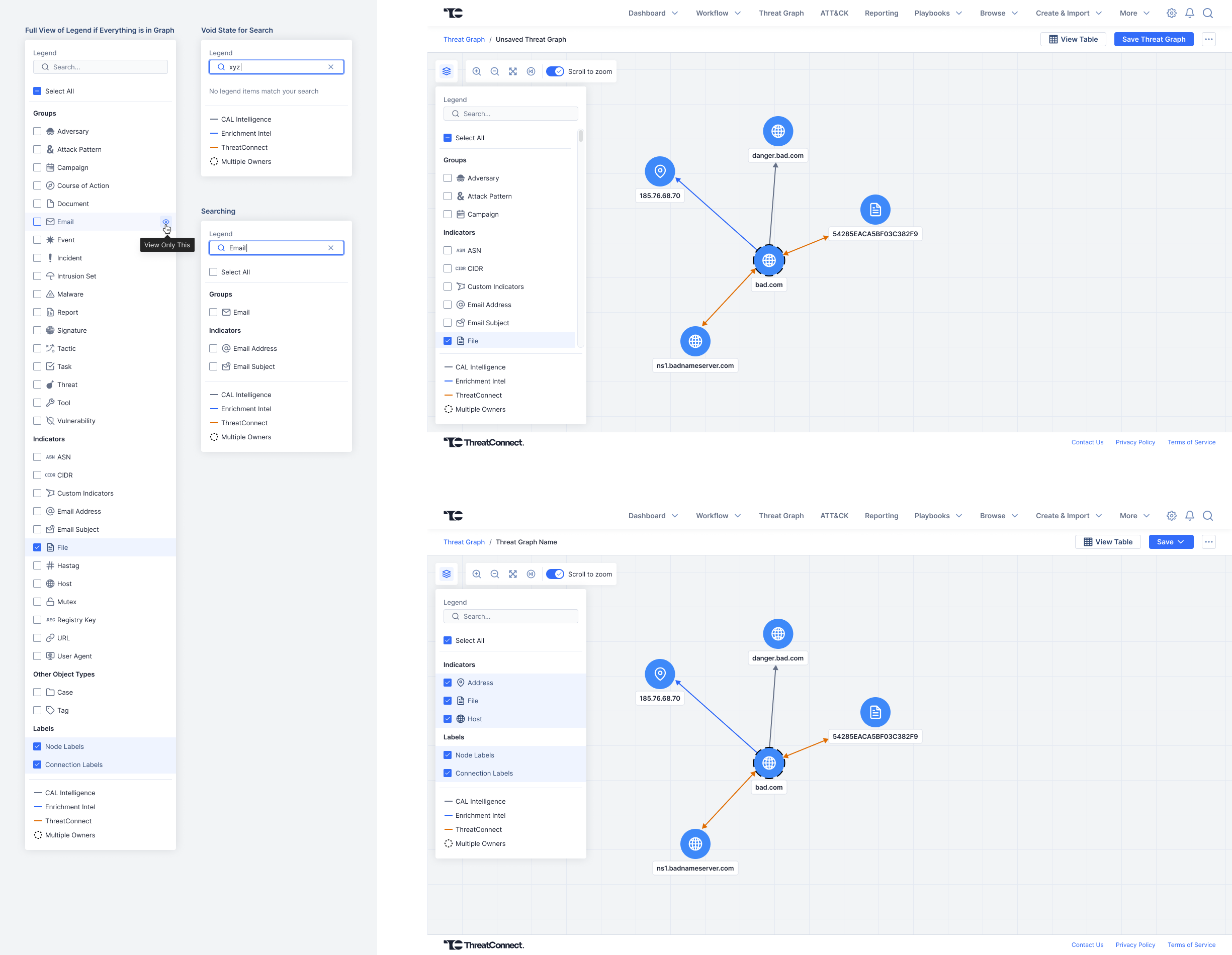
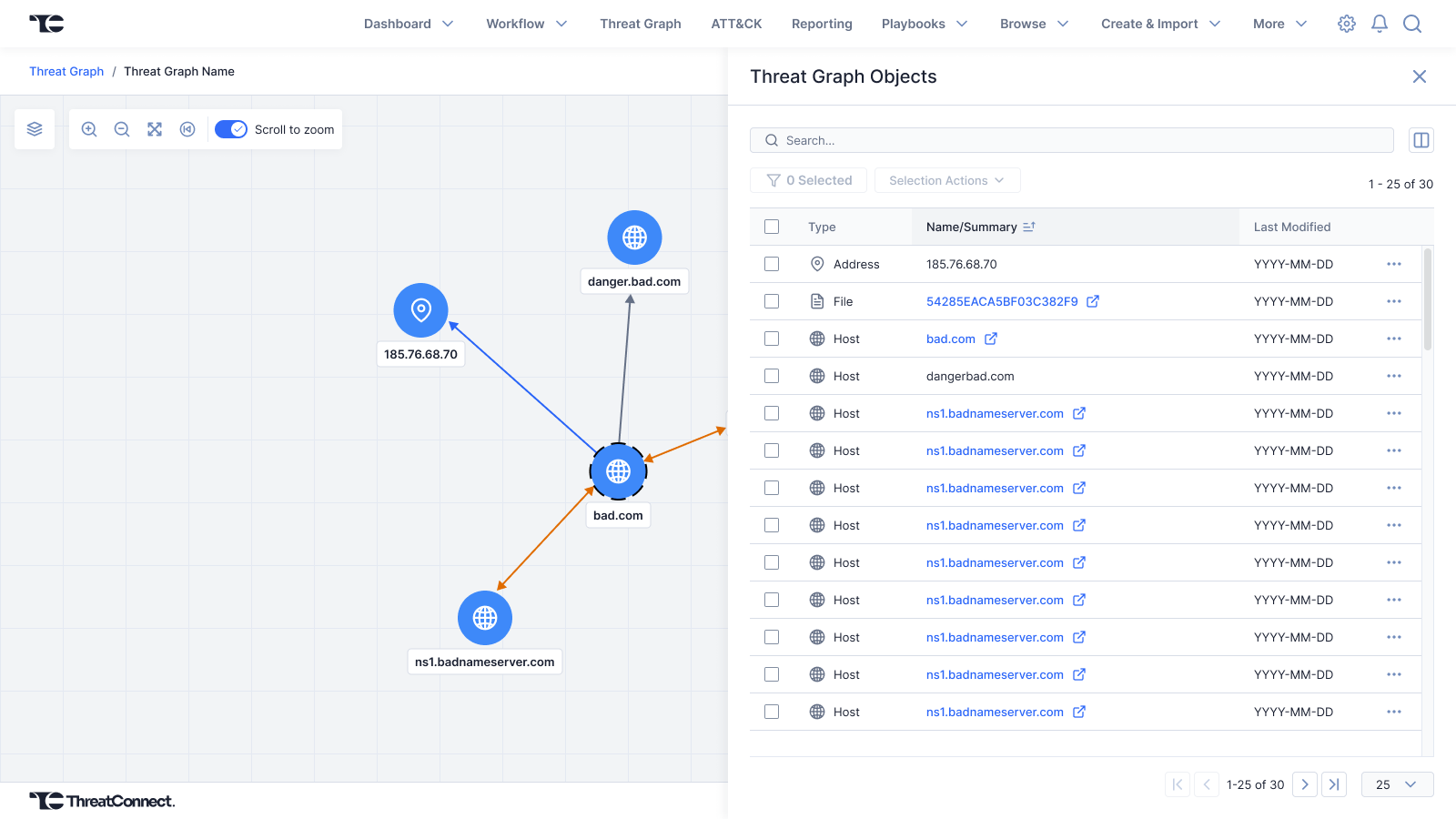
I delivered meticulous visual and interactive specifications to the development team to support a massive redesign effort. This included designing centralized node style rules, unsaved/saved visual states, dynamic side-drawer panels, and interactive legend views to maintain perfect alignment with our global design system standards.
Accelerated Triage Velocity
I designed multi-select behavior to support simultaneous bulk pivots across multiple graph nodes. This update revamped analysts’ day-to-day workflows by replacing slow, node-by-node manual pivots with high-velocity batch operations. Analysts could instantly piece together complex threat landscapes in a fraction of the time.
Back to Work List